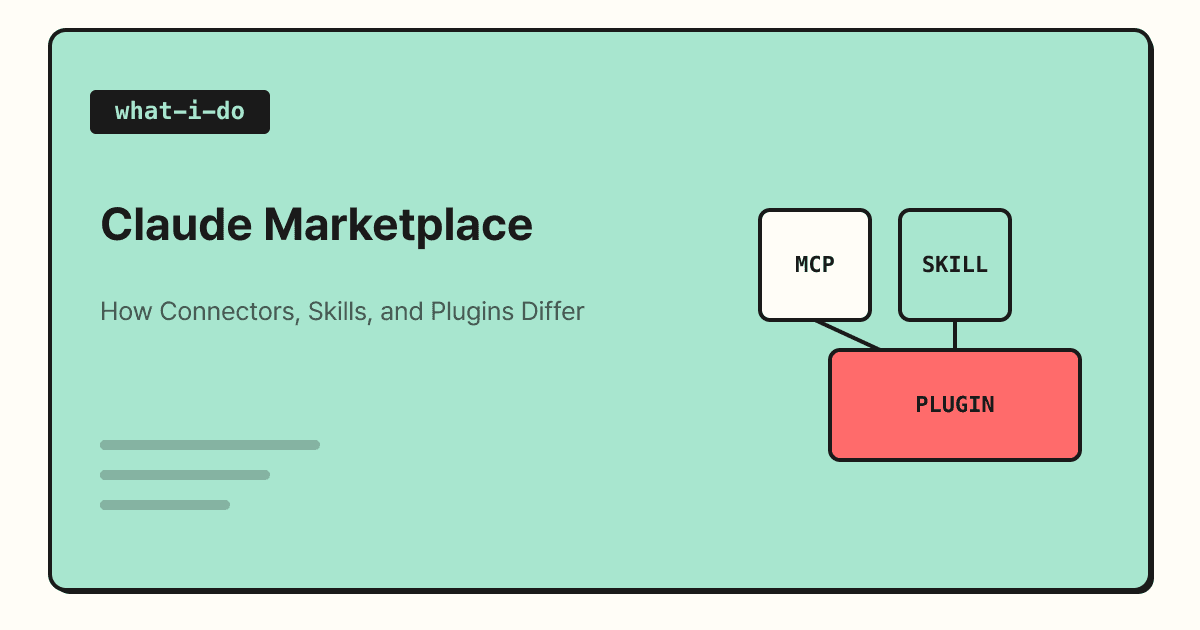
On September 23, 2026, Anthropic launched the Claude Marketplace. The announcement says it brings plugins and connectors, agents and products, and service partners together in one place. In this post, I'll go over how the marketplace is organized, the often-confused differences between connectors, skills, and plugins, and what to check before connecting your work tools.
If you use AI tools at work, you've probably had moments like "I wish it could just read the meeting notes in Notion" or "Do I really have to copy and paste the report from Google Drive every time?" Claude has been handling these connections through connectors and plugins, and with this marketplace announcement, the places to find those tools and partner products are now in one spot. Let's look at what the announcement covers and what marketers should know before actually trying it.
1. What Is the Claude Marketplace?
According to Anthropic's official announcement, the Claude Marketplace is divided into three areas.
| Area | What the official announcement says |
|---|---|
| Connectors and plugins | More than 2,000 are available, including Atlassian, Google, Microsoft, Notion, and Salesforce. It explains they are built with MCP and Agent Skills |
| Agents and products | You can use part of your committed spend with Anthropic to buy partner products like Cursor, Lovable, and Snowflake |
| Service partners | It connects you with consulting and implementation partners like Accenture, BCG, and Deloitte through the Claude Partner Network |
The part worth noting here is the second area. The agents and products page describes it as applying existing commitments to partner software, so it reads as an area aimed at companies with contracts with Anthropic rather than individual plan users. That said, the terms aren't detailed in the announcement, so if you're considering it, I recommend checking with Anthropic's sales team.
On the other hand, what individuals and teams can feel right away is the first area: connectors and plugins. So how do connectors, plugins, and skills each differ?
2. How Do Connectors, Skills, and Plugins Differ?
All three add capabilities to Claude, but what they add is different. Here's how the Claude Help Center explanation looks in a table.
| Type | What does it add? | Official description |
|---|---|---|
| Connectors | Connections to external services | They let Claude access apps and services to pull data and take actions |
| Skills | Ways of working | Folders containing the instructions, scripts, and resources for a specific task, loaded only when relevant |
| Plugins | Role-based bundles | Skills, connectors, and sub-agents bundled into a single package |
Connectors run on MCP (Model Context Protocol, an open-source standard for connecting AI tools to external systems). The official MCP documentation compares it to a USB-C port. Just as USB-C unified the different charging ports on each device, MCP aligns the way AI tools connect to external services under one standard.
Skills are different in that they're knowledge about procedures, not connections. The Help Center's guide to skills also distinguishes them: MCP connects external services, and skills teach how to get a task done. For example, "reading last week's ad report from Google Drive" is the connector's job, and "summarizing that report in our team's format" is the skill's job. And a plugin is these two bundled together by role, such as for a sales team or a marketing team.
3. Where and on Which Plans Can You Use Them?
You find and install all three from the Customize menu in Claude's left sidebar. However, what you can use differs a little by plan.
- Connectors: Available on all plans, including the free plan. Free users can use connectors from the directory, and custom connectors you add yourself are limited to one. (Source)
- Skills: Available on Free, Pro, Max, Team, and Enterprise, and code execution must be turned on. (Source)
- Plugins: Available on paid plans like Pro, Max, Team, and Enterprise, and they work in web chat, the desktop app, Cowork, and Claude Code. (Source)
If you use Claude as a team, there's one more thing to know. On Team and Enterprise plans, the organization's Owner must first allow a connector before members can use it. And being allowed doesn't mean everyone can use it right away; each person has to authenticate separately with their own account.
4. What Should You Check Before Connecting Work Tools?
Connectors are welcome news for marketers because scattered materials like ad and analytics reports, calendars, and documents can be handled in a single conversation. That's exactly why you need to look carefully at permissions before connecting.
- It can edit, not just read: The Help Center notes that connecting a service grants permission to access and modify data within your account's permissions. I recommend connecting only the services you need.
- Check where plugins come from: Plugins may include local MCP servers that run on your computer with the same permissions as other programs, so the guidance is to install only those from trusted sources.
- Check your organization's policy first: On the Enterprise plan, admins can restrict which plugins can be installed or block local MCP servers. If it's a company account, it's a good idea to check with your IT team first.
Especially for services with ad accounts or customer data, keep in mind that once connected, Claude can act with that account's permissions. It's safer to start by connecting mostly read-only materials, like a reports folder, and widen the scope once the use case becomes clear.
Summary
From the perspective of individual and team users, the Claude Marketplace can be seen as an announcement that created a single entry point for finding and adopting the previously scattered connectors, plugins, and partner products. Just knowing that connectors are for connections, skills are for ways of working, and plugins bundle the two by role will help you find the tools you want much faster. For detailed installation steps and conditions, please refer to the official documentation linked in this post.
FAQ
- Is the Claude Marketplace free to use?
- The announcement doesn't separately mention pricing for the marketplace itself. Connectors can be used on the free plan, and you can add up to one custom connector. Plugins are available on paid plans from Pro and up.
- Should I try connectors or plugins first?
- If you want Claude to read materials from a specific service, connectors are the starting point. On the other hand, if you want a ready-made way of working for a role like sales or marketing all at once, a plugin that bundles skills and connectors may be faster.
- I'm on a team account, but I can't see the connectors.
- On Team and Enterprise plans, the organization's Owner or Primary Owner must allow a connector first before it appears to members. Even after it's allowed, each person has to authenticate with their own account to use it.
Related Posts
- AI Comes to Google Search: How SEO Changes in the Age of AI Overviews - How AI features affect search traffic
- Building a Personal Blog With Vibe Coding - How I built my blog myself with AI tools
- Building a Privacy Policy Generator for GA4 Adoption - A case of building a work tool with AI