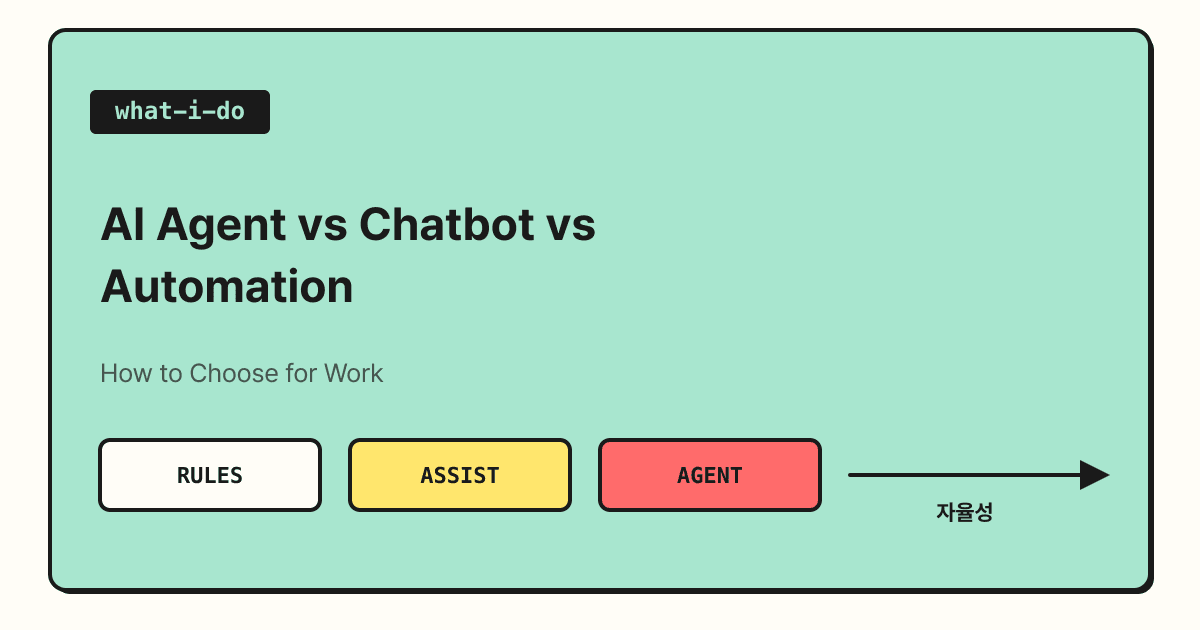
AI agents, chatbots, and automation are all pitched as "AI that saves you work," but they split on one question: who decides the next step. If fixed rules decide, it's automation; if a person decides, it's an assistant; if the AI looks at the goal and decides for itself, it's closer to an agent. In this post, I compare the definitions from Google Cloud, OpenAI, and Anthropic to lay out what separates the three and how to choose the right one for your work.
These days every new AI tool seems to carry the word "agent," so you've probably wondered at some point, "So how is an agent different from a chatbot?" When I started learning how to bring AI into my work, these terms were the first thing that confused me too. Once you understand the structure rather than the label, you can judge much faster where a new tool fits, so in this post I'll separate the three step by step.
1. Bots vs AI Assistants vs AI Agents: What's the Difference?
Google Cloud's explanation distinguishes the three by autonomy, meaning how much they decide on their own.
| Type | Autonomy | Official description |
|---|---|---|
| Bot | Lowest | Usually follows pre-programmed rules |
| AI assistant | Medium | Requires user input and direction; it may recommend actions, but the user makes the decision |
| AI agent | Highest | Decides and acts on its own to achieve a goal, handling complex tasks and multi-step flows |
By this standard, the basic way we use popular AI chat services can be seen as closer to an assistant. You ask a question and it answers, you ask for a draft and it writes one, but a person decides what to do with the result. An agent, on the other hand, takes a goal and carries on by itself: it finds the information it needs, uses tools, and decides what to do next.
2. What Makes Something an Agent?
OpenAI's guide to building agents defines an agent as "a system that independently accomplishes tasks on your behalf." What's worth noticing is that the guide also spells out what is not an agent. It explains that even if an application uses an LLM (large language model), things like simple chatbots, single-turn LLMs, or sentiment classifiers are not agents if the LLM doesn't control the workflow.
The same guide lists three basic components of an agent.
- Model: the LLM responsible for judgment and reasoning
- Tools: external functions or APIs the agent uses to take action
- Instructions: rules and guardrails that define how the agent behaves
It's easier to picture if you imagine handing work to a new colleague. If you have them follow the manual step by step, that's automation; if you sit next to them and go through each step together, that's an assistant; and if you give them a goal and permissions and say "let me know when it's done," that's closer to an agent. In this picture, the permissions you give the agent are its tools, and the work guide is its instructions.
3. Workflow or Agent: Which Should You Choose?
So should you hand every task to an agent? Anthropic's guide to building effective agents actually recommends the opposite.
This guide distinguishes workflows, "systems where LLMs and tools are orchestrated through predefined code paths," from agents, "systems where LLMs dynamically direct their own processes and tool usage." It explains that workflows offer predictability and consistency for well-defined tasks, while agents are a better fit when flexible decision-making is needed. It also points out that agentic systems often trade more time and cost for better results, and recommends starting with simple approaches and adding complexity only when it falls short.
For reference, the OpenAI guide uses "workflow" in a broader sense: a sequence of steps that must be carried out to reach a goal. The same word can mean slightly different things in different documents, so when reading about a tool, it's less confusing to use "who decides the next step" as your yardstick.
The OpenAI guide names three situations where an agent is needed.
- Complex decision-making: work where decisions change depending on exceptions or context
- Too many rules to maintain: work where every rule change adds cost and mistakes
- Lots of unstructured data: work that requires reading documents to grasp meaning, or conversing with people
It adds that if these conditions don't apply, a rule-based approach may be enough.
4. How Does This Map to Marketing Work?
Applying these criteria to marketing work, you could roughly split tasks like this. These are examples of how I applied the criteria, so I recommend adjusting them to your actual situation.
| Task example | Suitable approach | Why |
|---|---|---|
| Building a weekly ad performance report with the same metrics | Automation / workflow | The steps and criteria are the same every time |
| Writing ad copy or blog drafts | Assistant | A person picks and polishes the output |
| Reading inquiry emails, classifying them, and drafting replies | Agent candidate | It has to interpret text, and the judgment changes case by case |
I built this blog's draft automation on a similar principle. Topic selection, writing, and fact-checking run in a set order, and I decide whether to actually publish after reading the draft by email. Rather than handing every decision to AI from the start, it's safer to keep a checkpoint on the human side where you can verify the result.
Summary
The clearest way to distinguish chatbots, assistants, agents, and automation is not by name but by who decides the next step. What the official guides commonly recommend is not "agents no matter what," but starting with the simplest method and raising autonomy only when needed. I hope the criteria and tables above help when you're evaluating a new AI tool.
FAQ
- What is the biggest difference between an AI agent and a chatbot?
- Who leads the flow of the work. The OpenAI guide explains that a simple chatbot whose workflow isn't controlled by the LLM is not an agent, even if it uses an LLM. An agent takes a goal and decides the next steps on its own while using tools.
- Is an agent always better than automation?
- No. The Anthropic guide notes that agentic approaches often trade more time and cost for better results, and recommends starting simple and adding complexity only when it falls short. For repetitive tasks with a fixed order, automation may be a better fit.
- What do you need to build an agent?
- The OpenAI guide lists three basic components: a model that handles judgment, tools used to take action, and instructions that define how it behaves. When bringing one into your work, it's a good idea to start by deciding which tool permissions to give the agent.
Related Posts
- Claude Marketplace Launch: How Connectors, Skills, and Plugins Differ - How to connect the tools an agent uses
- AI Comes to Google Search: How SEO Changes in the Age of AI Overviews - How AI features affect search traffic
- Building a Personal Blog with Vibe Coding - How I built a blog myself with AI tools