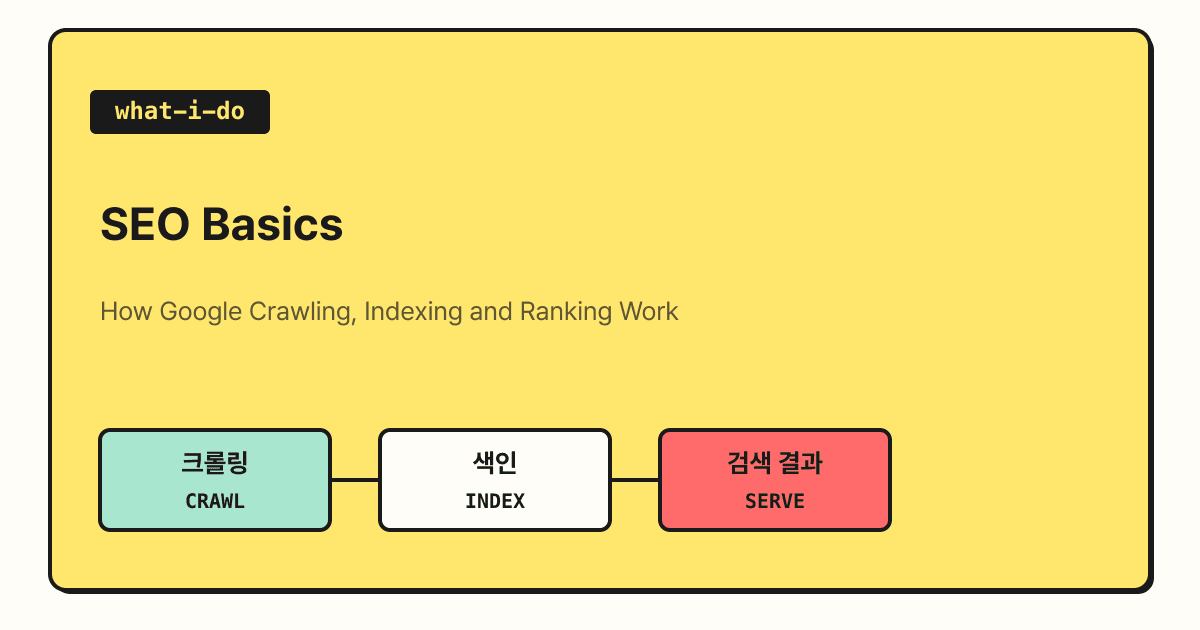
Google Search works in three stages: crawling, indexing and serving search results. A crawler finds and downloads pages from the web, Google analyzes their content and stores it in the index, and when a user searches, Google picks relevant pages from the index and shows them. In this post I'll go over how each of the three stages works and how to check whether your page has been indexed.
Have you ever published a new post and waited, wondering, "Why doesn't it show up when I search on Google?" When people think of SEO, keywords and titles tend to come to mind first, but if Google hasn't found your page yet or hasn't added it to the index, it can't appear in search results no matter how much you polish the keywords. That's why, when studying SEO, it's good to first understand the order in which Google handles pages, and in this post I'll walk through that basic flow step by step.
1. What stages does Google Search go through?
The guide to how Google Search works describes Google Search in three stages and states that not all pages make it through every stage.
| Stage | Description in the official docs | In one line |
|---|---|---|
| Crawling | Automated programs called crawlers download text, images and videos from pages found on the internet | Find and fetch pages |
| Indexing | Analyzes the text, images and video files on a page and stores them in the Google index, a large database | Understand and organize the content |
| Serving search results | Returns information relevant to the query when a user searches | Pick and show pages that match the question |
A library analogy makes this easier to understand. Crawling is the librarian finding newly arrived books and bringing them to the stacks, indexing is reading and classifying the books and writing them on catalog cards, and serving search results is picking the right book from the catalog and handing it over when a patron asks a question.
The same guide also points out up front that Google doesn't accept payment to crawl a site more often or rank it higher, and that even if you follow Google Search Essentials, crawling, indexing and serving are not guaranteed.
2. Crawling: how does Google find new pages?
There's no central registry of all pages on the web, so Google constantly looks for new and updated pages and adds them to its list of known pages. This process is called URL discovery. The official docs list three discovery routes.
- Pages already visited: pages Google already knows about from crawling them before
- Links: discovered by following links from known pages, such as a category page, to a new post
- Sitemaps: lists of pages that site owners submit for crawling
Links are the main route among these. The SEO Starter Guide also explains that Google mainly finds pages through links from other pages it has already crawled, and notes that submitting a sitemap isn't required.
Once a URL is found, a program called Googlebot visits the page and downloads it. Googlebot uses algorithms to decide which sites to crawl, how often, and how many pages to fetch, and it adjusts its speed to avoid overloading the site. For example, if the server returns an HTTP 500 error, it takes that as a signal to slow down. During crawling, it renders the page with a recent version of Chrome and runs JavaScript too, because many sites rely on JavaScript to load content.
However, not every discovered page gets crawled. Pages the site owner has blocked from crawling and pages that require a login are skipped, and server problems, network problems and robots.txt rules that block Googlebot's access are also listed as common crawling issues.
3. Indexing: does every crawled page get indexed?
After crawling, Google figures out what the page is about.
Indexing is the stage where Google processes and analyzes the text content along with key tags and attributes such as the <title> element and alt attributes, as well as images, videos and more.
At this stage, Google also determines whether a page is a duplicate of another page or the representative canonical page. It groups pages with similar content together, picks the most representative one as canonical, and keeps the rest as alternate versions that may be shown in other contexts, such as mobile search. For the chosen canonical page, it also collects signals such as the page's language, the country the content targets, and the page's usability.
And there's one important sentence here: the official docs explain that indexing isn't guaranteed and that not every page Google processes gets indexed. Common causes listed include low-quality content, robots meta rules that block indexing, and site designs that make indexing difficult.
4. Which pages show up in search results?
When a user enters a query, Google looks for matching pages in the index and returns the results it judges to be the highest quality and most relevant to the query. The official docs explain that relevance is determined by hundreds of factors, which can include information such as the user's location, language and device (desktop or phone). As an example, the docs say that searching for "bicycle repair shops" in Paris and in Hong Kong gives different results. The format of the results page also varies by query: searching for a bicycle repair shop is likely to show local results, while searching for "modern bicycle" is likely to show image results.
Sometimes a page is indexed but still doesn't appear in search results. The official docs give the reasons as the page content not being relevant to the query, low content quality, or robots meta rules preventing it from being served.
5. How do you check whether your page has been indexed?
The simplest way is to use the site: search operator in the Google search box.
The SEO Starter Guide says that if you search site:yourdomain and see results pointing to your site, it's in the index.
To look at a specific page in detail, you can use the URL Inspection tool in Search Console to check its index status and the canonical URL Google chose, and you can also send a Request indexing from the same screen. Only owners or full users of the Search Console property can request indexing.
The doc on asking Google to recrawl recommends the URL Inspection tool if you have only a few URLs, and submitting a sitemap if you have many. Crawling can take anywhere from a few days to a few weeks, there's a quota on requests, and requesting the same URL multiple times won't get it crawled faster, so after requesting once, it's better to wait. When I built this blog, I also set it up to generate the sitemap automatically at build time, and for a blog that keeps adding posts, keeping the sitemap updated automatically like this makes it easier to manage.
If there are pages you don't want to appear in search, you need to use the right method for each case. The introduction to robots.txt explains that robots.txt is mainly for managing crawler traffic so requests don't pile up, and isn't a way to keep a page out of Google. That's because if other pages link to it, even a URL blocked from crawling can appear in search results without a description. To keep a page out, use noindex, but don't block that page with robots.txt, so that Googlebot can read the noindex.
Summary
Google Search works in this order: crawling finds and fetches pages, indexing analyzes and stores their content, and then pages that match the query are picked and shown. If you have a page that doesn't appear in search, I recommend first using the URL Inspection tool to check which of these three stages it got stuck at. For detailed explanations of each stage, please refer to the official Google Search Central docs linked in this post.
FAQ
- Do I have to submit a sitemap?
- Not necessarily. Google's docs explain that if your site's pages are well linked to each other, Google can usually find most of them. However, they note that a sitemap helps if your site is large, new with few external links, or has a lot of video or image content.
- Will requesting indexing several times make it show up faster?
- No. Google's docs explain that there's a quota for submitting individual URLs, and requesting the same URL multiple times won't get it crawled any faster. A request doesn't guarantee it will appear in search results right away, either.
- Does blocking a page with robots.txt remove it from search results?
- For web pages, it may not. If other pages link to it, the URL can appear in search results without a description. To keep it out of search results, the docs recommend using noindex or password protection. They note that for image, video and audio files, robots.txt can prevent them from appearing in search results.
Related posts
- AI Comes to Google Search: How SEO Changes in the Age of AI Overviews - why allowing indexing and crawling is still the foundation in AI search
- Building a Personal Blog with Vibe Coding - how I added a sitemap and robots.txt to this blog myself
- What Are the Ways to Optimize Search Ads? - running search ads alongside organic search